Installing binary packages
At the moment, binary installers are built only for Microsoft Windows. Download and run the installer that matches your system by using the table below:
Platform |
Type |
Size |
Downloads |
|---|---|---|---|
Windows 7 SP1 [1] or newer (32 bit; x86) |
MSI |
~120 MB |
|
Windows 7 SP1 [1] or newer (64 bit; x64) |
MSI |
~120 MB |
The installer is completely self-contained, includes every dependency required to use the Glasgow toolchain, and requires no network access, making it ideal for use with legacy or airgapped equipment. It installs the toolchain for all users on the machine.
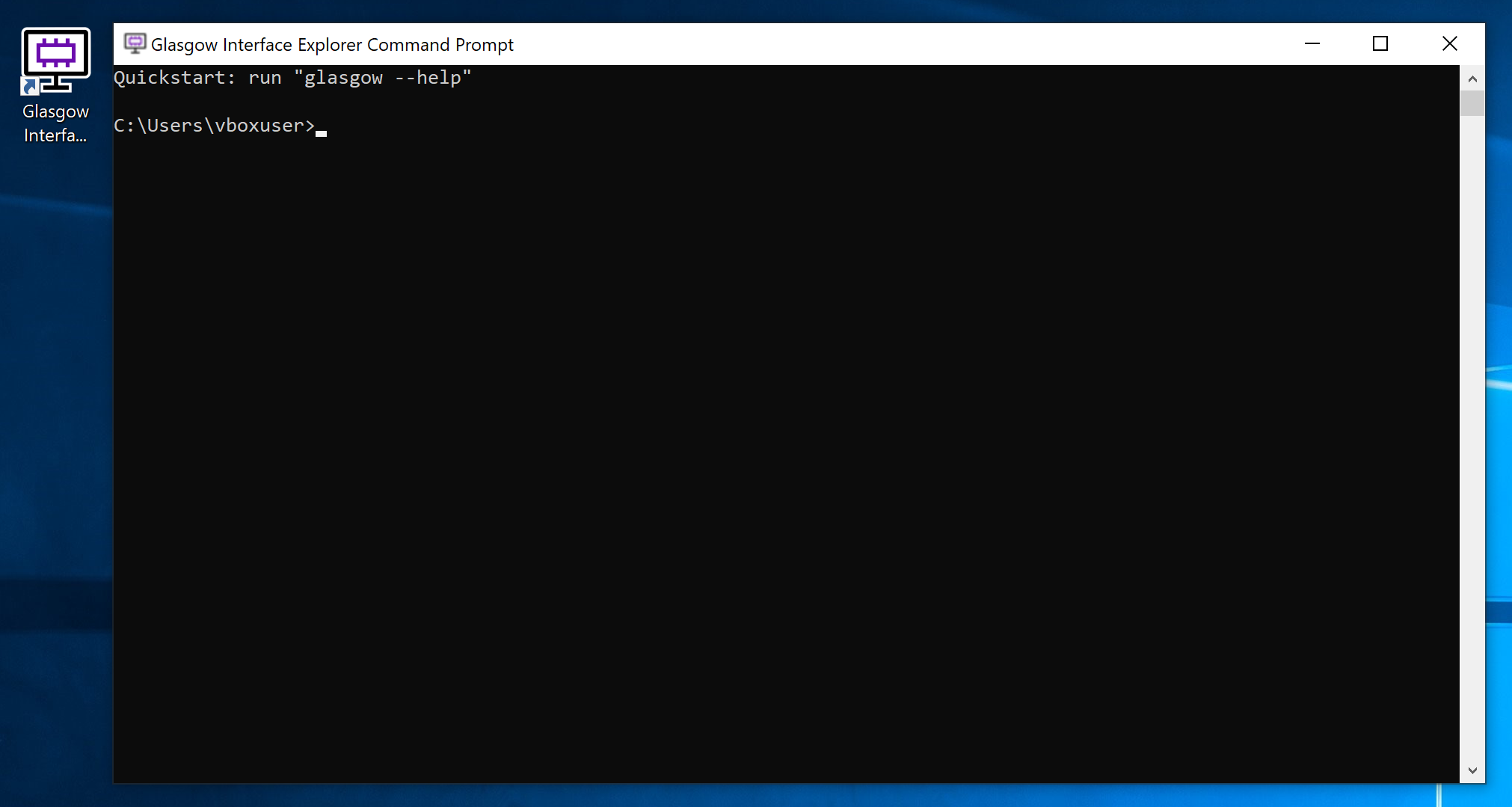
Once the installation is complete, invoke the "Glasgow Interface Explorer" shortcut on your desktop, or open the start menu folder with the same name and click on the "Launch terminal" item. This should open a terminal window, as illustrated below:
Plug in your device and confirm that it is discovered by running the glasgow list command:
> glasgow list
C3-20230729T201611Z
If you need to update the installation in the future, download and run a newer version of the installer. It will automatically remove the existing installation and replace it with the new one.
Installing Python packages
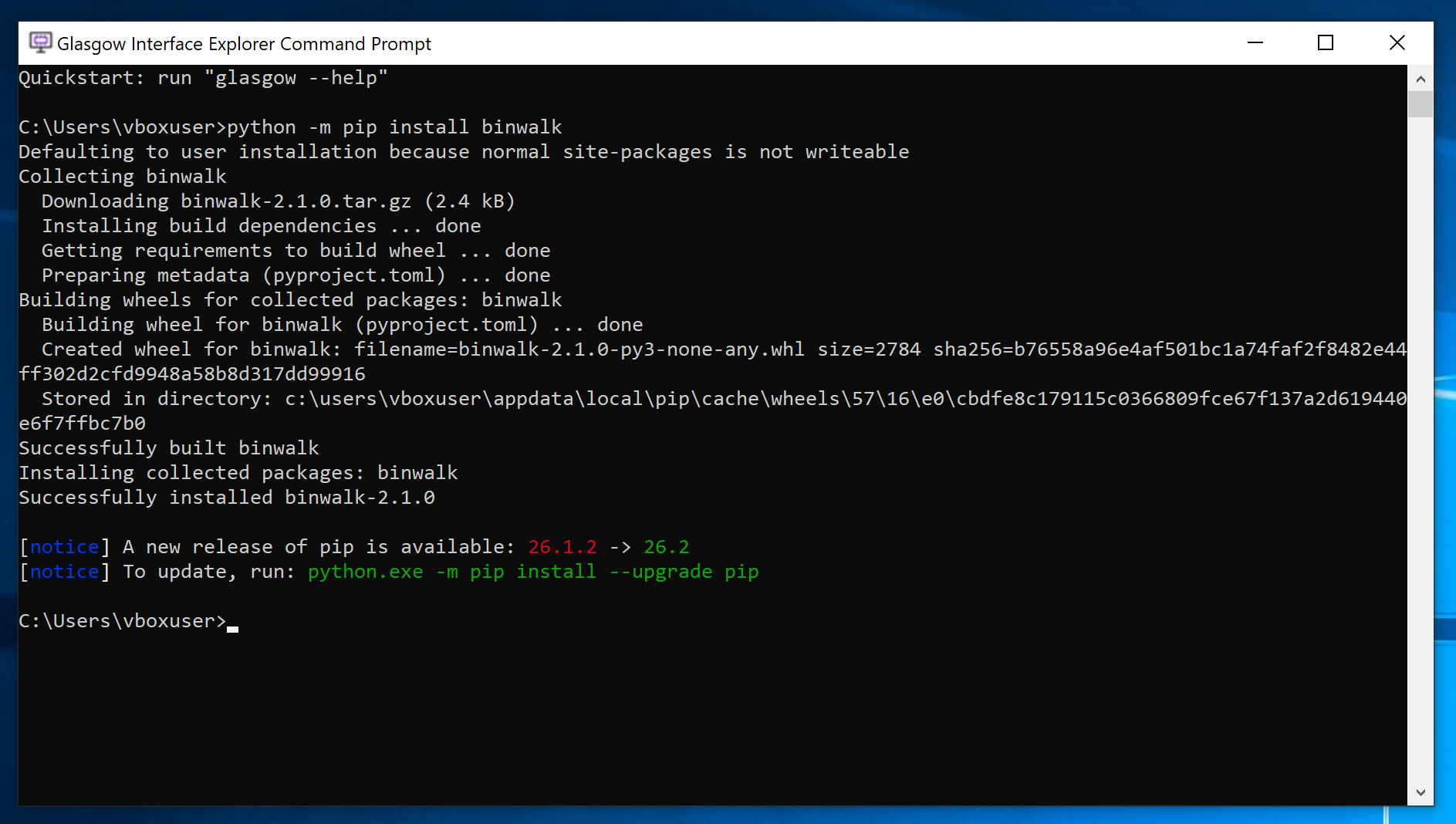
The binary installer includes an up-to-date build of the Python programming language that the Glasgow software is implemented in. The python command is available in the Glasgow command prompt and may be used for scripting or experimentation. It is also possible to install additional Python packages from PyPI using Pip, the Python package manager.
To do this, run Pip using the python -m pip install ... command, for example:
警告
In order to provide up-to-date builds of these binary packages and support as wide a range of Windows versions as feasible, we have built Python using the MinGW toolchain. Unfortunately, precompiled binary packages on PyPI are built using the incompatible MSVC toolchain, which means that some popular Python packages like numpy cannot be installed in the Glasgow command prompt.
If you need to install additional packages with binary extensions on Windows, install the toolchain from source instead.